 Baby Tracker
Shared access
One baby, several phones, the same day.
Invite the other parent or someone who helps — grandma, the nanny. Everyone logs on their own phone and sees the others' entries right away. Caregivers see only what you choose.
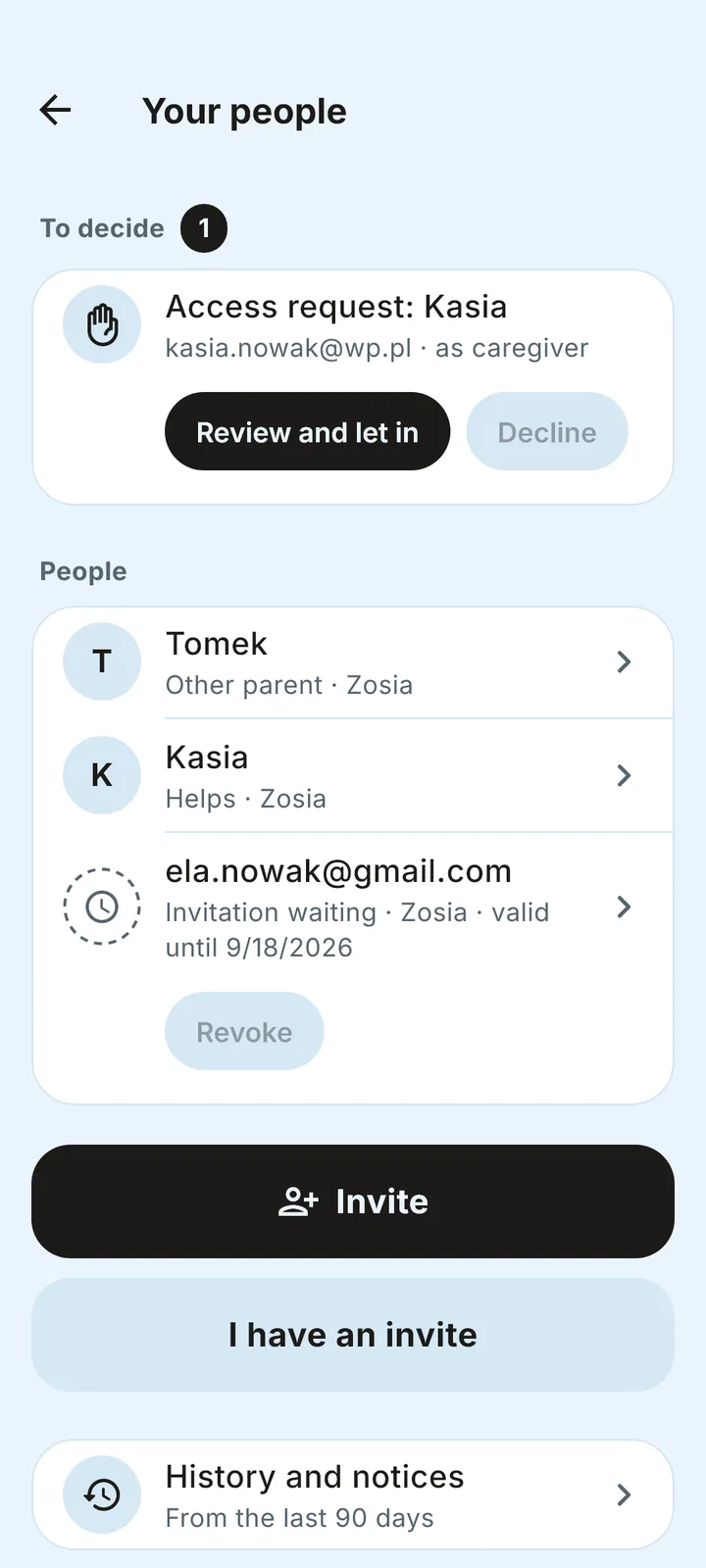
Invite the other parent or a helper
Sharing starts with Who are you inviting? Two choices: The other parent — the child’s mum or dad, with the same rights as you — or Someone to help: grandma, the nanny, an aunt. Then choose which children, and for a helper what they can do. The invitation is a QR code, a six-character code and a link you can share or send by email.
The other person installs the app, scans the code or opens the link, and asks to join. You let them in. From then on, everyone writes to the same day.
Caregivers see what you choose
For a helper you set three things. History: how far back they see. Editing: only their own entries, or all of them. End of access: a date, or none. Grandma who babysits on Tuesdays can see the last 24 hours and fix her own entries; the nanny can see a week.
When access ends, the caregiver’s app says so. Their entries stay in your child’s log. A history of access changes shows who gave what to whom, and when.
What changes on your phone
A diaper changed by the nanny at noon appears on your phone right away, under her name. When you open Today after a while, a card Since your last visit says how many feeds, naps and diapers there were and what the last one was. Timers work across phones: start a nap on yours, and the other parent can finish it on theirs.
Pinned notes for everyone
Pinned keeps what everyone should remember at the top of Today — Vitamin D after the morning feed — until the end of the day, until a date, or until you unpin it. People with access get a notification about a new pinned note.
A worked example: Ania goes back to work. In the morning she pins Paracetamol at 2 p.m. if the fever is back and leaves for the office. Grandma logs two feeds and a nap; at 2:05 p.m. Ania’s phone shows the medicine entry under Grandma.
Several devices and the other parent
The same account also works on a phone and a tablet at the same time. One parent’s premium covers sharing for the child, and can be passed as full premium to the other parent. Twins and siblings can be shared together — see twins.
From the blog: Splitting night shifts with a newborn.
Questions
Does the other parent have to pay too?
No. It is enough that one parent has premium. The paying parent can also give full premium to one person — the child's other parent.
What can a caregiver see?
You choose when you invite: how far back their history goes, whether they can edit only their own entries or all of them, and when their access ends — or no end date.
Do I need an account?
For sharing, yes. Without an account the app works fully, but your data stays on your phone. With an account, entries are kept in Google Firebase in the EU and only people you share a child with can see them.
Will I get a notification for every entry the other parent makes?
No. There are no notifications about other people's entries. You see them when you open the app, with a summary of what happened since your last visit.
Your baby’s day, two taps at a time.
Install, add your baby’s name, tap the first feed. No sign-up.
iPhone version later