 Baby Tracker
Sleep
Naps and nights, without guessing.
One tap starts a nap or night sleep. The day appears as a ribbon or a 24-hour dial, so you can see at a glance how long your baby has been awake and how much they slept.
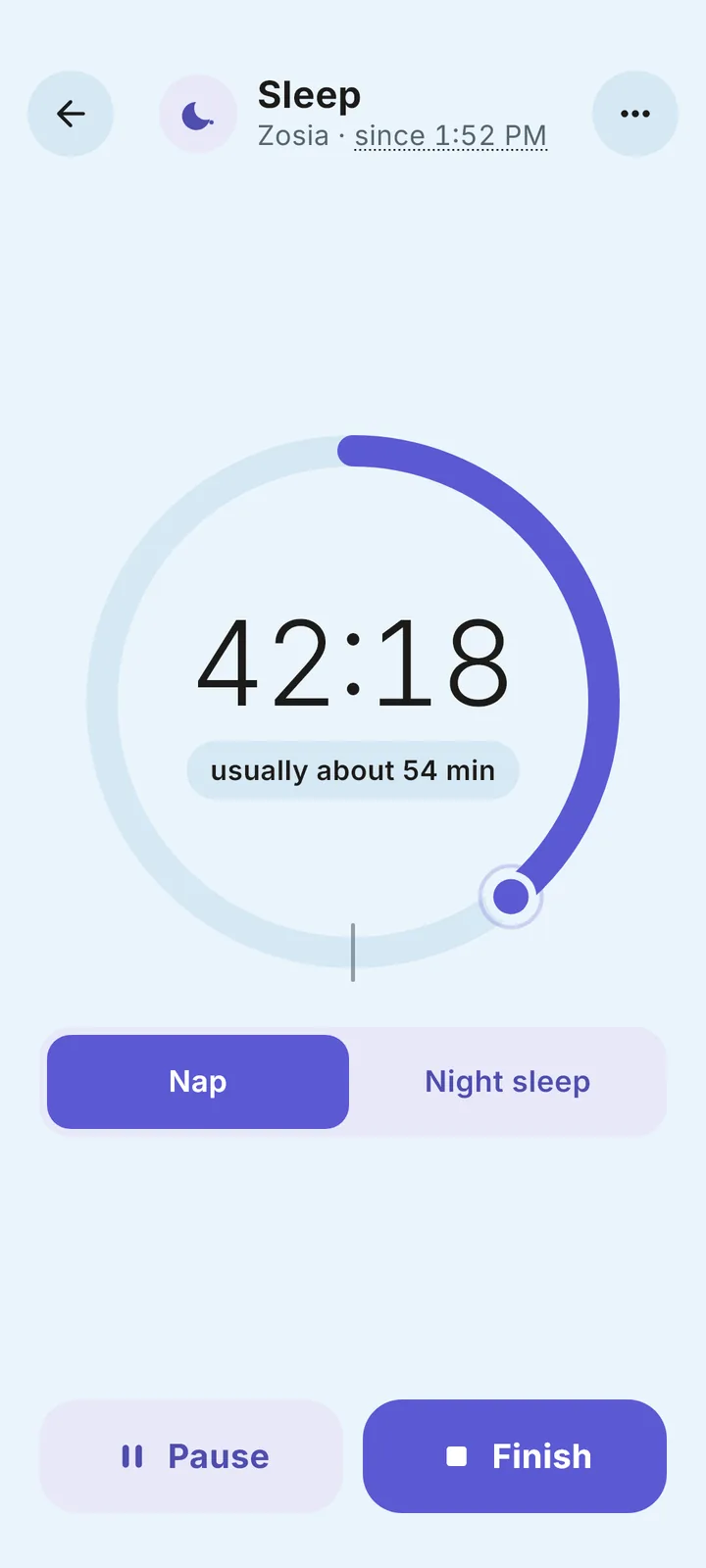
One tap for a nap or night sleep
Tap the Sleep card and Nap or Night sleep is already chosen from the time of day — night sleep from 7 p.m. to 7 a.m. Tap Get started and the timer runs; you can still switch between nap and night until you save. Asleep on the walk home and you forgot? Add the sleep later with its start and length, or its end.
Like every timer in the app, sleep keeps the right time when the phone is locked or restarted. After 18 hours a running sleep asks you to check it, so a timer left on overnight does not become a 30-hour nap.
See the day, not just the last entry
The top of the Today screen can show the day four ways: under the Sky, as a Band, as a 24-hour Clock, or None — cards only. The clock is the one parents often keep for sleep: a ring of sleep around the clock, feeds as a thinner band, diapers and bottles as dots, and the night shaded from the real sky.
At night the whole app turns warm amber after 9 p.m. Reading it in a dark room does not wake you up the way a white screen does.
How much did the baby sleep?
Last 24 h on Today adds up sleep across the day and night. Insights go further: total sleep per day, the longest stretch, naps against night sleep, and a plain sentence when something changes — Zosia sleeps 40 min more a day on average than a week earlier.
A nap hint from your own entries
Once there are enough naps — at least a week of entries and ten gaps between waking and napping — the sleep card shows a line such as Nap usually 11:10–11:40. The app takes the middle half of your baby’s wake-to-nap gaps from the last 14 days and adds it to the last wake-up. Tap it to see where the numbers come from: based on 12 naps in the last 14 days.
The hint stays quiet when it would only be noise: before 8 weeks of age, after the third birthday, when the rhythm is all over the place, at night, and while the baby is asleep. You can also get a notification when the window starts.
A worked example: Leo woke at 9:00. Over two weeks he usually fell asleep for a nap 2 h 10 min to 2 h 40 min after waking, so the hint says 11:10–11:40. At 11:05 his dad starts winding down; at 11:25 the nap timer is running.
Sleep on the home screen
A widget can show Awake · since 9:00 or the running nap with its own timer, and start a nap without opening the app. Reminders for feeds and diapers keep quiet hours at night — see reminders.
From the blog: How much do babies sleep? Hours by age.
Questions
How does the nap hint work?
It looks at the gaps between waking up and falling asleep for a nap over the last 14 days and adds the typical gap to your baby's last wake-up. You see a line such as Nap usually 11:10–11:40. It appears only when there is enough data and the rhythm is steady.
Is the nap hint medical advice?
No. It is a pattern from your own entries. The app says so too: watch your baby — signs of tiredness matter more than the clock.
What if I forget to start the sleep timer?
Add the sleep afterwards and set when it started and how long it lasted, or when it ended.
Can I tell naps from night sleep?
Yes. Each sleep is a Nap or Night sleep, and you can change it on the timer or later in the entry.
Your baby’s day, two taps at a time.
Install, add your baby’s name, tap the first feed. No sign-up.
iPhone version later