 Baby Tracker
Twins and siblings
Two babies, one phone, no mix-ups.
Add every child for free. Start one walk for both, feed twins at the same time on opposite sides, and see what is running for each child on one screen — while each child keeps their own day.
Every child is free
Add as many children as you have. Each gets a colour and a circle with their initial or photo, and a switcher at the top of every screen. Their days, insights, reminders and reports stay separate, so Ola’s feeds never land in Julka’s average.
The Everyone view
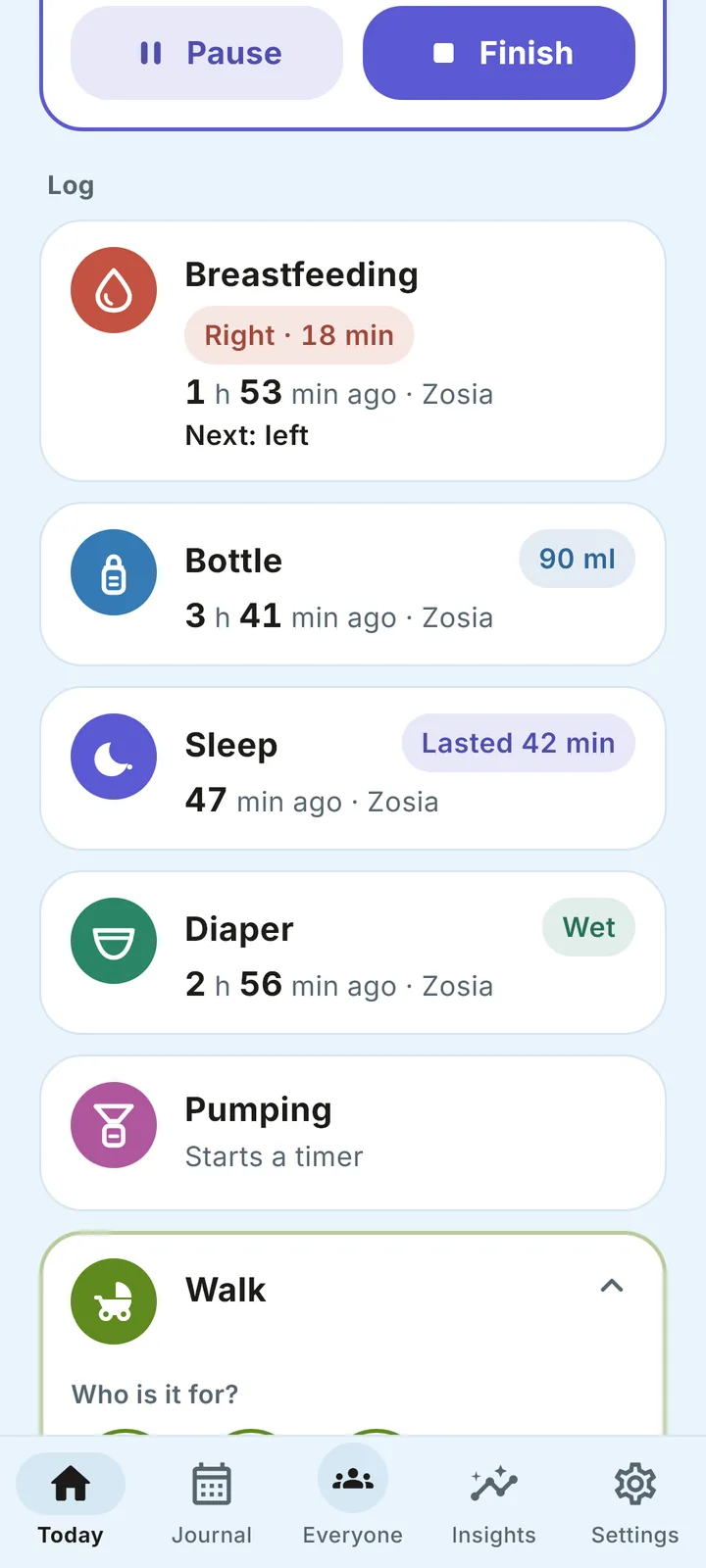
With two or more children there is an extra choice in the switcher: Everyone. It shows a card for each child with what happened last and what is running now, and a start panel at the bottom. Choose who — one, two or all — and tap the activity. One walk starts for all of them; one bath is logged for both.
Twins at the breast: one breast, one baby
Feeding twins together is where a generic tracker falls apart. In Baby Tracker a breast is never in two places at once. Start a feed for both and you get a row per baby with a Left/Right switch; the sides are always opposite, and changing one moves the other. A breast in use is marked as Taken · Leo for the other baby. Three at the breast is not possible, and the app says so.
If you add a feed by hand that overlaps the other twin on the same breast, the app asks: This breast was in use then. It is a warning, not a block — sometimes the record is right and the memory is wrong.
Timers for several children
Each child can have their own timers running, so you can time Ola’s nap and Julka’s feed at once. The timer notification carries the child’s name and each widget the child’s circle, so you stop the right one at 4 a.m.
A worked example: at 6:30 a.m. Kasia starts a tandem feed — Ola on the left, Julka on the right, the hint saying Ola started on the right last time. At 6:52 Julka is done; Kasia stops only Julka’s timer, and Ola carries on alone.
Sharing twins
With shared access, invite the other parent or a helper to both children in one invitation. Everyone sees the Everyone view on their own phone. Expecting twins? The pregnancy part lets you say how many babies are on the way.
From the blog: Tracking twins: feeds, sleep and diapers for two.
Questions
Is there a limit on children?
No. Add as many children as you have, for free.
Can I feed twins at the same time?
Yes. Start a feed for both and each baby gets their own breast; the sides are always opposite. Each child gets their own entry.
Do I see both babies at once?
Yes. The Everyone view shows each child's card with their last entry and running timers, and a start panel to log for one, some or all of them.
Do insights mix the children together?
No. Insights, reminders and reports are always for one child. Switch between children at the top.
Your baby’s day, two taps at a time.
Install, add your baby’s name, tap the first feed. No sign-up.
iPhone version later